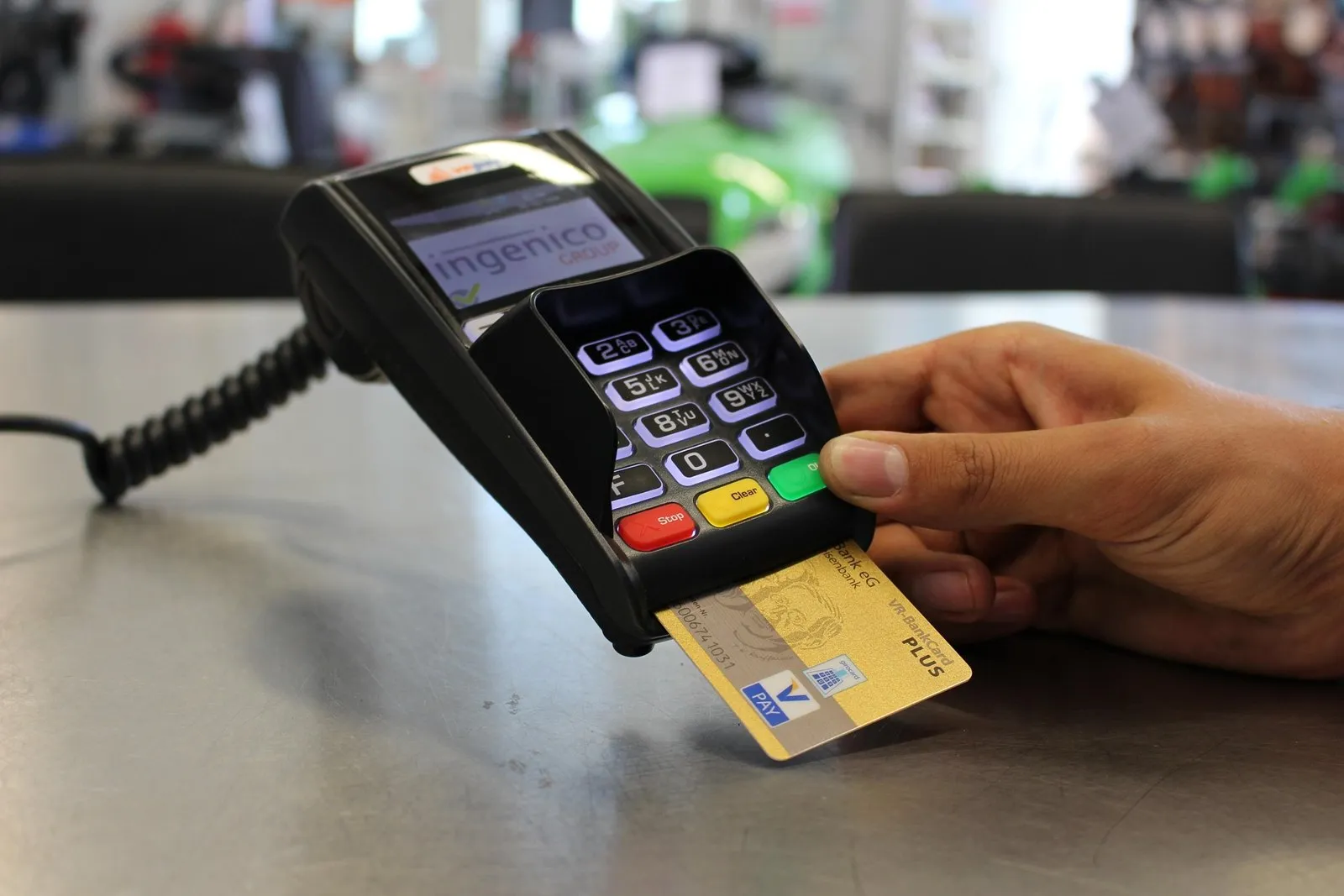
If you shop at Walmart or use the OnePay app (formerly known as ONE), you have one of the most versatile fintech accounts in the United States for getting into cryptocurrency. Backed by Walmart and Ribbit Capital, with FDIC-insured banking services provided by Coastal Community Bank or Lead Bank, OnePay is very different from the older Green Dot-issued Walmart MoneyCard. In fact, when you want to buy Bitcoin with OnePay, you can choose between two completely different routes: using the built-in OnePay Crypto tab inside your mobile app, or using your OnePay CashRewards Mastercard Debit Card and ACH routing numbers on a full cryptocurrency exchange. This guide compares both routes so you know which one fits your goals.
The short answer: two ways to buy Bitcoin with OnePay
Before you place an order, decide what you plan to do with your Bitcoin after you buy it:
- Route 1 — In-app OnePay Crypto (for simple price exposure): As documented in About OnePay Crypto, you can buy, sell and hold Bitcoin, Ethereum and 10+ additional tokens (expanded in March 2026) directly inside the OnePay app starting at $1, funded from your OnePay Checking, Savings, direct deposit split or even OnePay Points. However, in-app fintech brokerages are primarily built for buying, holding and selling back to USD inside the app rather than full on-chain Web3 transfers or funding external self-custody crypto cards.
- Route 2 — OnePay Debit Card or ACH on an external exchange (for real self-custody & spending): Because your OnePay account is a true bank checking account at Coastal Community Bank or Lead Bank, you can use your OnePay Mastercard debit card, Apple Pay, Google Pay or ACH routing and account numbers on a regulated exchange (such as CEX.IO, Coinbase or Kraken) and withdraw the Bitcoin to any wallet or crypto card you own.
OnePay Crypto (in-app) vs buying on a dedicated crypto exchange
Why would a OnePay cardholder use an external crypto exchange if the OnePay app already has a Crypto tab on the home screen? Compare the two side by side:
If all you want is to put $5 of spare OnePay Points into Bitcoin and sell it back for dollars inside the OnePay app later, the built-in tab is convenient. If you want to own the actual Bitcoin in your personal wallet, send stablecoins across blockchains, or top up a crypto prepaid card, use your OnePay debit card or ACH numbers on an external exchange.
How OnePay’s banking rails work on external crypto exchanges
When you use OnePay on an external exchange, you are not using a retail prepaid card. OnePay provides a checking account backed by Coastal Community Bank or Lead Bank, Members FDIC, along with the OnePay CashRewards Mastercard Debit Card (or OnePay Builder Card).
Because the card is issued as a personal bank debit Mastercard rather than an anonymous gift card:
- It carries your verified legal name and US residential billing address for Address Verification Service (AVS) checks.
- It supports Mastercard Identity Check (3-D Secure) via push notifications and SMS one-time passcodes to your registered phone.
- It can be added to Apple Pay and Google Pay (in addition to OnePay Wallet for Walmart checkout).
- Your primary OnePay Checking account has standard US ACH routing and account numbers.
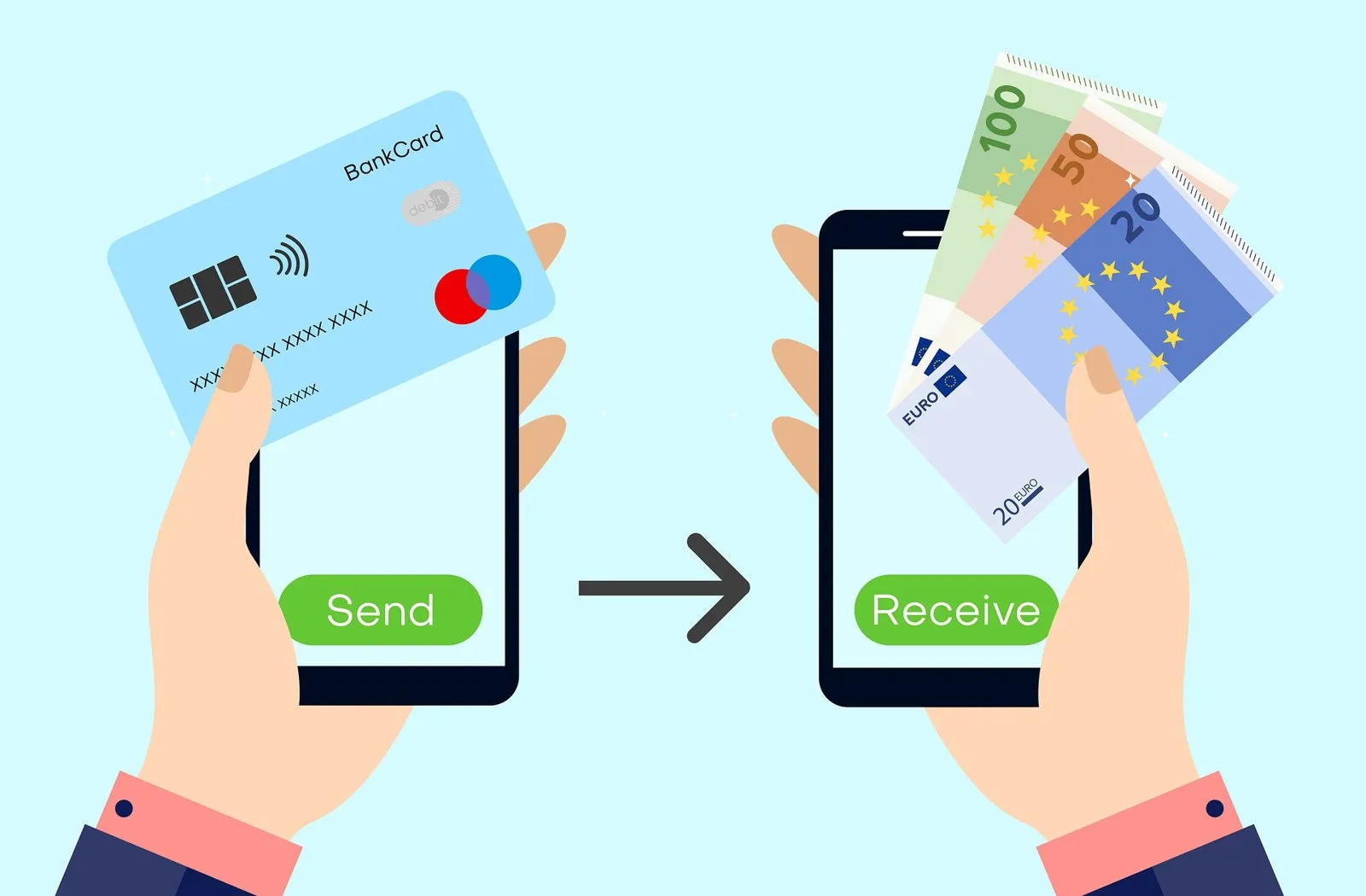
Two details matter when paying an external exchange with OnePay: keep your purchase funds in Primary Checking (not locked in a separate Spending Pocket or Savings), and remember that US Simplex widgets only take Visa—so use CEX.IO, Coinbase, Kraken or ACH with your OnePay Mastercard.
How major exchanges treat the OnePay Mastercard Debit Card
| Platform | OnePay Mastercard Debit | OnePay via Apple / Google Pay | OnePay ACH Bank Transfer |
|---|---|---|---|
| CEX.IO | Supported (39 US jurisdictions) | Supported | Supported ($0 ACH deposit fee) |
| Coinbase | Supported (with 3DS) | Supported | Supported via Plaid |
| Kraken | Supported (US debit card) | Supported | Supported via Plaid ACH |
| Paybis | Supported (with 3DS) | Supported | Not standard |
| Simplex | Blocked in US (Visa only) | Not supported in US | Not offered |
Just like Albert Cash and Brink’s Prepaid, the OnePay CashRewards card is a Mastercard. That means Simplex will reject it for US customers because Simplex only supports Visa in the United States. Everywhere else that accepts US Mastercard debit cards (or ACH bank transfers), OnePay works cleanly.
Step by step: buying Bitcoin with OnePay
- 01Check that funds are in OnePay Primary Checking
If you organize your money into custom Spending Pockets or High-Yield Savings inside OnePay, move the purchase amount into Primary Checking so your debit card or ACH pull does not decline.
- 02Use OnePay Debit ( not the Builder credit line ) for card checkouts
If you also use the OnePay Builder Card or Pay Later installment loans, do not use credit lines for crypto—use your standard OnePay Debit Card, Apple Pay, Google Pay or ACH.
- 03Deposit physical cash for free at Walmart Customer Service if needed
Unlike the Walmart MoneyCard (which charges $3 to load cash), OnePay lets you deposit cash for $0 at Walmart Customer Service desks or MoneyCenters nationwide using the barcode in your OnePay app.
- 04Complete your purchase on a licensed US exchange
Pay via ACH ($0 deposit fee) or with your OnePay debit card / Apple Pay on a regulated exchange, pass the 3-D Secure prompt with VPNs off, and withdraw your BTC.
OnePay vs Walmart MoneyCard vs Chime
Many Walmart customers hold both a Walmart MoneyCard and a OnePay card without realizing why OnePay is so much better for buying crypto:
| Feature | OnePay (formerly ONE) | Walmart MoneyCard | Chime |
|---|---|---|---|
| Partner / Issuing Bank | Coastal Community Bank / Lead Bank | Green Dot Bank | The Bancorp Bank / Stride Bank |
| BIN classification | Mastercard Bank Debit | Prepaid / Green Dot DDA (often blocked) | Visa Bank Debit |
| Monthly fee | $0 | $5.94 (waived with $500+ DD) | $0 |
| Cash load fee at Walmart | $0 at Walmart MoneyCenter / Customer Service | $3.00 via app barcode | Up to $4.95 at Walmart ($0 at Walgreens) |
| Built-in crypto tab? | Yes (OnePay Crypto) | No | No |
If you deposit cash at Walmart to buy Bitcoin, stop paying $3 reload fees on a Green Dot Walmart MoneyCard or $4.95 for a Vanilla Visa gift card. OnePay lets you load cash for $0 at Walmart Customer Service desks, gives you a real Coastal Community Bank or Lead Bank checking account, and lets you choose between simple $1 in-app crypto buys or funding a full self-custody exchange via debit card or ACH.
When using your OnePay debit card, Apple Pay, Google Pay or ACH on an external exchange, CEX.IO is a reliable US option: running since 2013, it is registered with FinCEN as a Money Services Business (NMLS 1804170) and holds state Money Transmitter Licenses across roughly 39 US jurisdictions (excluding New York and California). Also see our guides to buying Bitcoin with an Upgrade card and crypto prepaid cards in the USA.
Frequently asked questions
Can you buy Bitcoin with OnePay (formerly ONE)?
Did ONE rebrand to OnePay?
Who is the bank behind the OnePay debit card?
Can I use OnePay Points to buy Bitcoin?
How is OnePay different from the Walmart MoneyCard?
Sources and official pages
- OnePay — Official Mobile Banking & OnePay Wallet
- OnePay Crypto — Start Your Crypto Journey With $1
- OnePay Help Center — About OnePay Crypto
- OnePay Help Center — Buying and Selling Crypto (Recurring & Points)
- OnePay Newsroom — OnePay Broadens Crypto Platform With 10 New Assets (Mar 2026)
- CEX.IO Support — Payment Methods at CEX.IO
- Simplex — Which cards does Simplex accept?
Want Bitcoin you can actually withdraw and spend?
Verify your account once on a licensed US exchange and pay with your OnePay debit card, Apple Pay, Google Pay or ACH.
Buy BitcoinCheck availability in your country before signing up.The exchange linked here holds US state licences but not in every state (New York and California are not on its list). Supported states are shown at sign-up.
