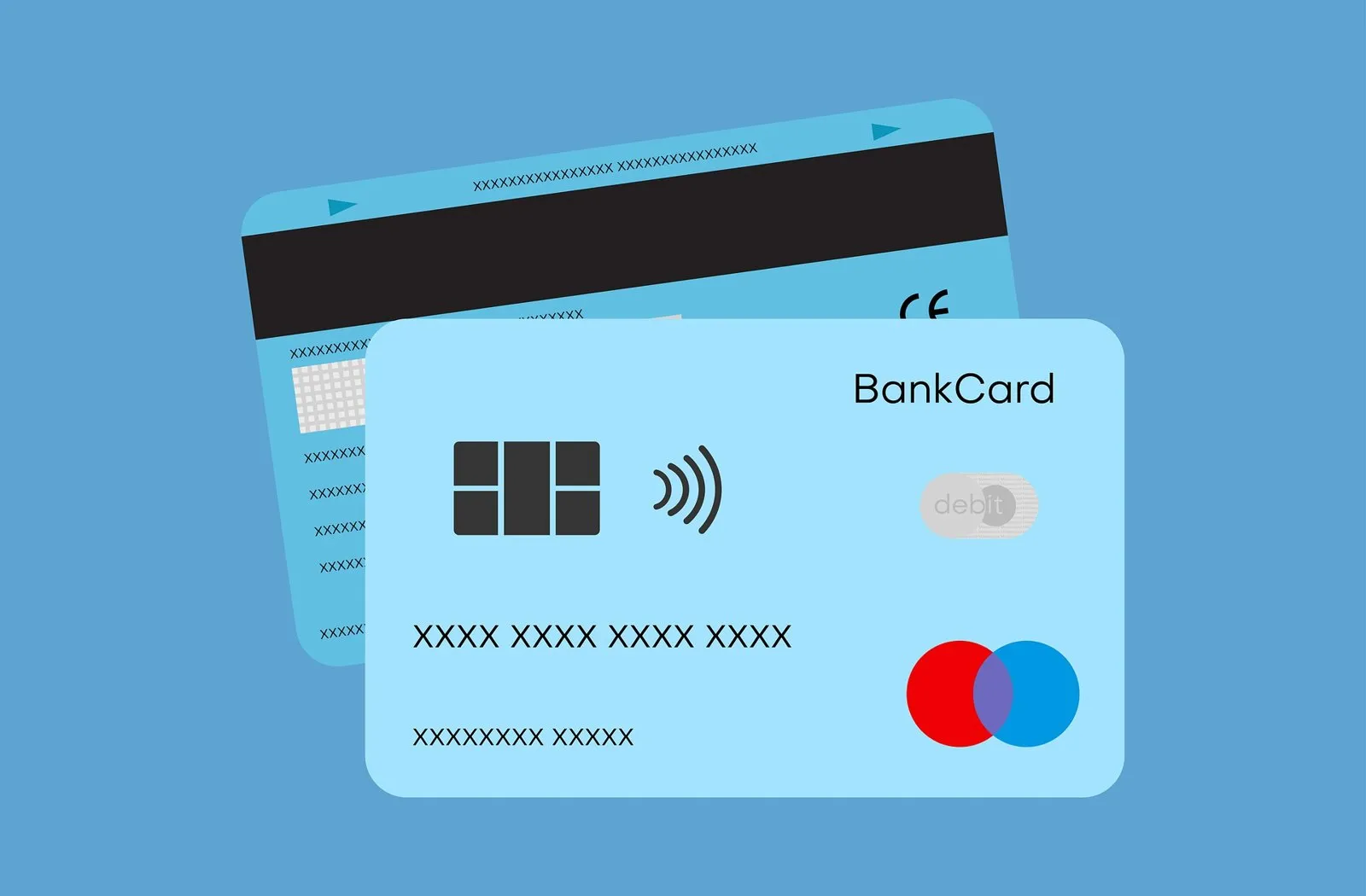
Millions of Americans use the Walmart MoneyCard as their everyday spending account, reloading cash at Walmart registers or receiving paychecks up to two days early via direct deposit. Naturally, many cardholders want to know whether they can buy Bitcoin with a Walmart MoneyCard. The honest answer comes down to who actually operates the card: every Walmart MoneyCard—whether it carries a Visa or Mastercard logo—is issued by Green Dot Bank, Member FDIC. That means your card is governed by Green Dot’s risk engine on one side and by crypto exchange prepaid rules on the other. This guide walks through when a Walmart MoneyCard can work, why direct card charges usually fail, and how to use your account’s ACH numbers or Walmart’s newer fintech app, OnePay, instead.
The short answer on Walmart MoneyCard and Bitcoin
If you just picked up a Walmart MoneyCard starter pack from a checkout lane and loaded cash onto it, that temporary card will not buy Bitcoin on any regulated exchange. Temporary retail cards lack an embossed cardholder name, have restricted online permissions, and fail Address Verification Service (AVS) and 3-D Secure checks.
Once you register your identity on walmartmoneycard.com or in the mobile app, pass Green Dot Bank’s verification, and receive your personalized card in the mail, your account transitions into a Demand Deposit Account (DDA) issued by Green Dot Bank. Even then, card networks still list many Walmart MoneyCard Bank Identification Numbers (BINs) as reloadable prepaid, causing exchanges like Coinbase, Ramp, Banxa and Mercuryo to reject the card automatically. Your two realistic paths are using a personalized Visa Walmart MoneyCard at a processor that accepts US prepaid Visa cards (like Simplex or Paybis, subject to Green Dot’s quasi-cash filter) or linking your Walmart MoneyCard’s ACH routing and account numbers for a bank transfer. For the broader context across all issuers, see our guide to buying crypto with a prepaid card.
Why Green Dot Bank rules decide your payment
Walmart does not run a bank. Instead, Walmart partners with Green Dot Corporation and Green Dot Bank (Member FDIC) to issue and service the Walmart MoneyCard. If you read our Green Dot Bitcoin buying guide, the mechanics here are identical because the same bank compliance team, BIN tables and fraud rules sit behind both cards.
There is one detail specific to the Walmart MoneyCard worth knowing before you try a crypto checkout: the card network depends on how you got the card. According to Walmart MoneyCard’s help center, starter cards purchased in a Walmart store are issued under a license from Visa U.S.A., Inc., while personalized cards ordered directly online or issued as replacements may be either Visa or Mastercard depending on the current program. Why does that matter? Because in the United States, payment processor Simplex accepts Visa prepaid cards for crypto purchases but blocks Mastercard completely. See our guides to buying Bitcoin with a prepaid Visa and buying Bitcoin with a prepaid Mastercard for how that network rule works.
Temporary store card vs personalized Walmart MoneyCard
Walmart sells MoneyCard starter packs in the checkout aisle for a few dollars, allowing you to load cash immediately at the register. However, Green Dot Bank splits cardholders into two strict tiers until identity verification is complete:
| Feature | Unverified store starter card | Verified personalized Walmart MoneyCard |
|---|---|---|
| Name on the card | Generic ("Valued Customer") | Your full legal name embossed on plastic |
| Account legal structure | Restricted prepaid access card | Green Dot Bank Demand Deposit Account (Member FDIC) |
| ACH routing & account numbers | Not available | Available for Direct Deposit and ACH transfers |
| Reloadable at Walmart registers | No (initial load only until verified) | Yes, via app barcode or swipe at Walmart |
| 3-D Secure & billing address match | Fails at crypto exchanges | Supported when phone & street address match |
| Can buy Bitcoin? | No — rejected by both exchanges and issuer | Possible via ACH or select 3DS checkouts |
Never try to add a temporary starter card to a cryptocurrency exchange. Not only will the payment fail the name-match requirement (exchanges like Kraken, Paybis and CEX.IO require the cardholder name to match your government ID), rapid failed attempts on an unverified card can cause Green Dot Bank to freeze the balance pending manual identity review.
How major exchanges treat the Walmart MoneyCard
Even after your personalized card arrives in the mail, most crypto checkouts look up the card’s BIN and treat it as a prepaid card. We checked the official help centers of twelve exchanges and payment widgets:
- Refuse prepaid cards outright: Coinbase, Ramp Network, Banxa and Mercuryo all state in their support documentation that prepaid and reloadable cards are not accepted.
- Accept conditionally: Simplex accepts prepaid cards in the US if they are Visa; Paybis accepts prepaid cards only when 3-D Secure is enabled and the card carries your verified name.
- Discourage card swipes, support ACH & debit: CEX.IO notes that Walmart MoneyCard is part of the Green Dot family and that while card verification is technically possible, most prepaid card transactions fail—especially withdrawals back to the card—making ACH transfers or a standard bank debit card the smarter route.
For the full side-by-side policy table across all twelve providers, visit crypto exchanges that accept prepaid cards.
Why Walmart MoneyCard swipes get declined for crypto
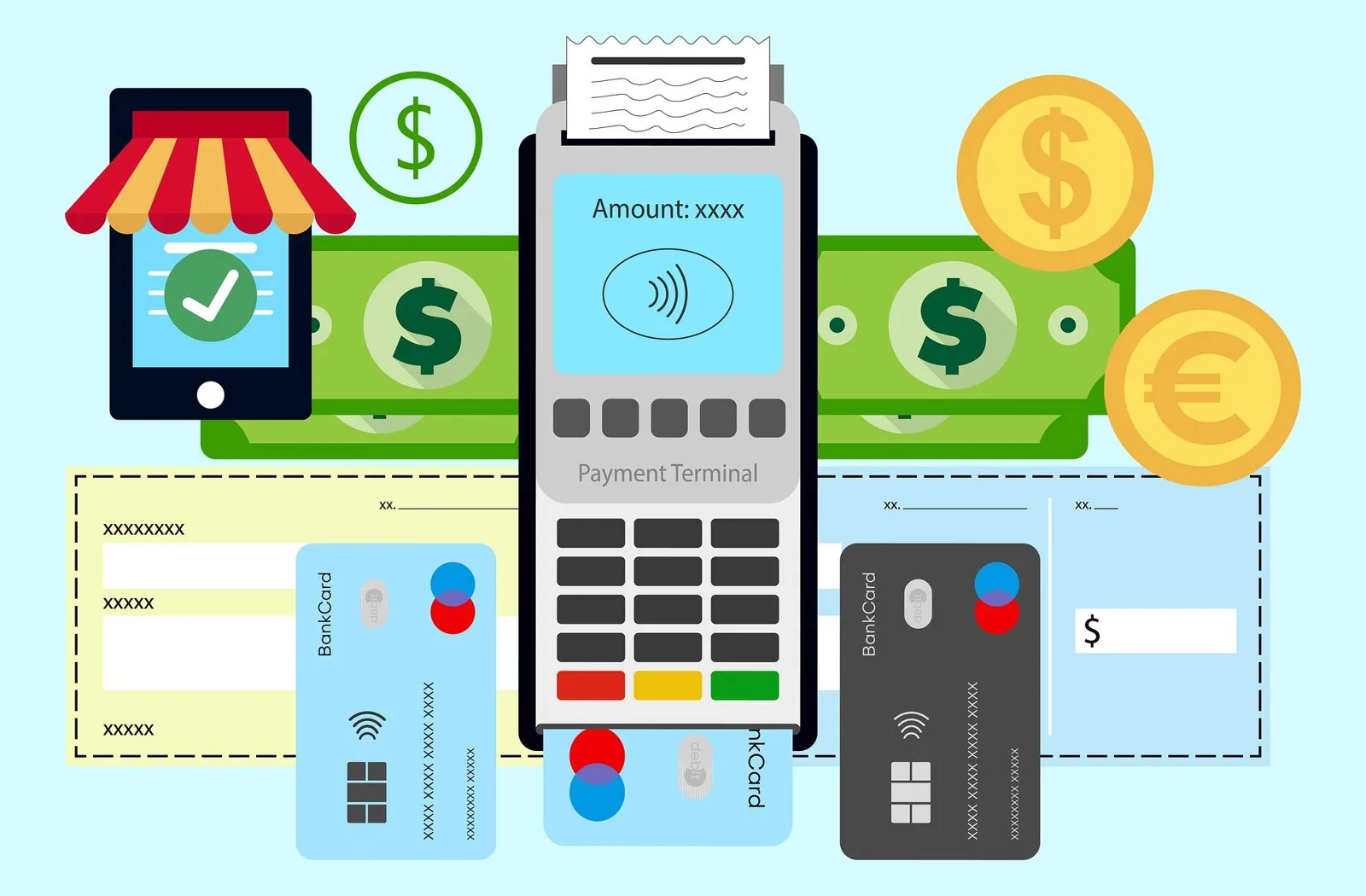
When you enter your 16-digit Walmart MoneyCard number on a crypto platform, the exchange’s acquiring bank sends an authorization request tagged with Merchant Category Code (MCC) 6051 and a quasi-cash indicator. Green Dot Bank’s risk engine inspects that request in milliseconds and often declines it for three reasons:
- Walmart MoneyCardEntered online or via Google Pay
- Prepaid BINBlocked by Coinbase, Ramp, Banxa
- MCC 6051 flagTagged as quasi-cash by Visa/MC
- Non-US acquirerTriggers cross-border block
- Green Dot BankDeclines or sends 3DS OTP
First, Green Dot Bank restricts quasi-cash transactions on most prepaid and retail-originated BINs to prevent fraud and chargeback abuse. Second, if the crypto platform processes cards through a European or UK payment gateway, the charge looks like an international quasi-cash purchase—a combination that triggers instant fraud blocks on domestic US retail cards. Third, if you have the card locked in the Walmart MoneyCard app or have a VPN running that hides your US IP address during the 3-D Secure pop-up, the authentication times out.
Note also that you will not earn Walmart cashback on crypto even if a payment goes through. The Walmart MoneyCard’s 3% cashback on Walmart.com, 2% at Walmart fuel stations and 1% at Walmart stores (capped at $75 a year) applies only to qualifying retail merchandise at Walmart, never to financial services or quasi-cash purchases.
Step by step: the two ways to use a Walmart MoneyCard account for Bitcoin
If your money is already on a verified Walmart MoneyCard, follow this sequence to avoid locking your account:
- 011. Complete ID verification and wait for personalized plastic
Log in to the Walmart MoneyCard app, verify your SSN and residential street address, and activate the physical card with your name on it.
- 022. Check whether your card is Visa or Mastercard
If you want to try a direct card purchase via Simplex in the US, your card must be a Visa. Turn off VPNs and ad blockers so the 3-D Secure screen loads.
- 033. Stop after one card decline
If Green Dot Bank rejects the MCC 6051 card charge, do not retry. Repeated retries trigger automated fraud locks on Green Dot accounts.
- 044. Copy your Green Dot Bank ACH routing and account numbers
In the Walmart MoneyCard app, open the Direct Deposit section to view your routing number and account number.
- 055. Use ACH on a licensed US exchange
Link your account via ACH on a regulated exchange, wait for the transfer to clear, and buy Bitcoin without touching the prepaid card rails.
Walmart MoneyCard vs OnePay (Walmart’s newer fintech app)
Many Walmart shoppers confuse the Walmart MoneyCard with OnePay (formerly known as ONE). While both are promoted inside Walmart stores and can be loaded with cash at Walmart Customer Service desks, they are completely different financial products run by different banks:
| Feature | Walmart MoneyCard | OnePay (One) Debit Card |
|---|---|---|
| Issuing bank | Green Dot Bank, Member FDIC | Coastal Community Bank or Lead Bank, Members FDIC |
| Monthly fee | $5.94/month (waived with $500+ monthly direct deposit) | $0 monthly maintenance fee |
| Walmart cash load fee | $3.00 via app barcode at Walmart registers ($0 on Direct Deposit) | Free cash loads & withdrawals at Walmart Customer Service |
| Built-in crypto feature? | No | Yes — OnePay Crypto lets you buy/hold BTC & ETH in-app |
| External exchange card acceptance | Often flagged as prepaid BIN | Standard Mastercard debit BIN + ACH support |
We cover OnePay’s in-app crypto rules and external debit card usage in our dedicated guide to buying Bitcoin with OnePay. If you shop at Walmart regularly and want a fee-free card that handles crypto far more cleanly than Green Dot’s legacy MoneyCard, switching to OnePay or a US neobank like Chime or Varo Bank is a straightforward upgrade.
The Walmart MoneyCard is great if you put $500+ of direct deposit on it to waive the $5.94 monthly fee and just want 3% back on Walmart.com groceries. For buying Bitcoin, though, paying $3 at a Walmart register to load cash onto a Green Dot prepaid BIN that most exchanges reject makes no sense. Use the ACH routing numbers inside the Walmart MoneyCard app, or use a free US checking debit card so your money goes into Bitcoin instead of retail reload fees.
Using a regulated exchange once your payment method is ready
Whether you fund via ACH or switch to a personal bank debit card, always use an exchange licensed in your US state. CEX.IO, founded in 2013, is registered with FinCEN as a Money Services Business (NMLS 1804170) and holds Money Transmitter Licenses in around 39 US jurisdictions (not including New York or California). Verified US users can buy Bitcoin with personal Visa and Mastercard debit or credit cards, Apple Pay, Google Pay, PayPal (Instant Buy) or domestic ACH bank transfers, starting from a $20 minimum on Instant Buy.
- Never use an unregistered $1 Walmart checkout-lane starter card on a crypto exchange
- Make sure your Walmart MoneyCard billing address matches your verified exchange profile
- Remember that $15 overdraft protection on Walmart MoneyCard never covers crypto or ATM transactions
- Prefer ACH bank transfers or a personal debit card (Chime, Varo, OnePay or your local bank) to avoid MCC 6051 blocks
Once you hold Bitcoin or stablecoins and want to spend them at Walmart or anywhere else Visa and Mastercard are accepted, explore our USA crypto prepaid cards guide or compare top US spending cards in our Crypto.com Card vs Coinbase Card review.
Frequently asked questions
Can you buy Bitcoin with a Walmart MoneyCard?
Who issues the Walmart MoneyCard?
Does Walmart MoneyCard work with Apple Pay, Google Pay or OnePay Wallet for crypto?
What is the difference between Walmart MoneyCard and OnePay?
How can I buy Bitcoin with cash at Walmart if my Walmart MoneyCard declines?
Sources and official pages
- Walmart MoneyCard — Official Site & Agreements
- Walmart MoneyCard Help — Card purchased at a store
- Walmart MoneyCard Help — Google Pay, Samsung Pay & OnePay Wallet
- CEX.IO — Buy Bitcoin with Green Dot & Walmart MoneyCard
- CEX.IO Support — Can I use a prepaid card?
- Simplex — Which cards does Simplex accept?
- Coinbase Help — Add a payment method troubleshooting
Don’t get stuck in a prepaid decline loop.
Verify once and fund your Bitcoin purchase with a personal debit card, Apple Pay, Google Pay or an ACH transfer.
Buy BitcoinCheck availability in your country before signing up.The exchange linked here holds US state licences but not in every state (New York and California are not on its list). Supported states are shown at sign-up.
