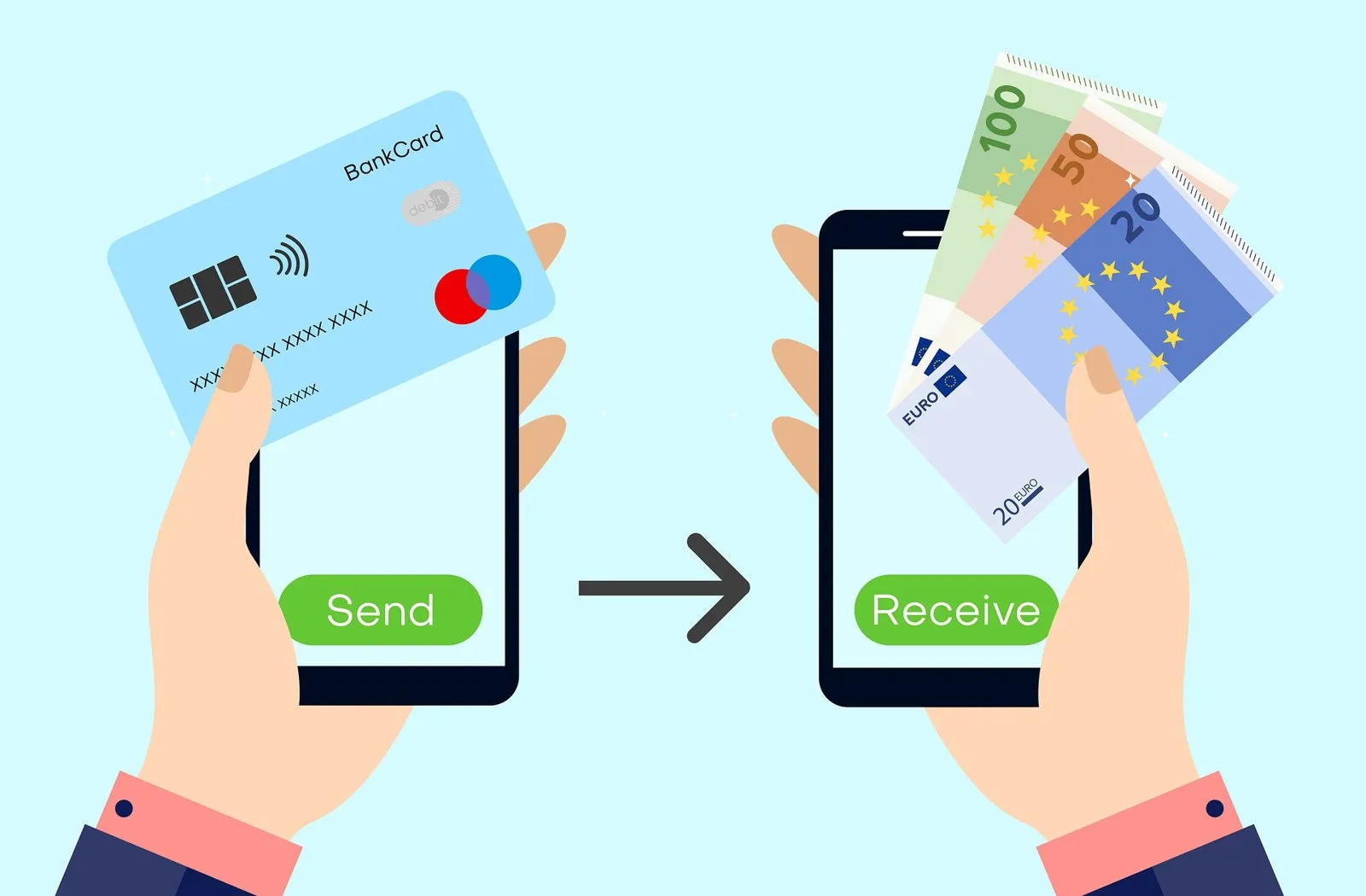
Millions of Americans who started out with retail prepaid cards eventually move to Chime—and when you want to buy Bitcoin with Chime, that difference in account structure pays off immediately. Unlike a Netspend or Green Dot prepaid card, a Chime account is a full Demand Deposit Account (checking account) provided by The Bancorp Bank, N.A. or Stride Bank, N.A., Members FDIC. That means the white Chime Visa Debit Card carries a true bank debit Bank Identification Number (BIN), not a prepaid BIN. This guide explains why Chime clears on crypto exchanges that block prepaid cards, why you should pick the white Chime Debit Card over the green Credit Builder card for Bitcoin, and which toggle inside the Chime app you need to check before you pay.
The short answer on buying Bitcoin with Chime
Yes, you can buy Bitcoin with Chime on regulated US exchanges using three methods:
- Chime Visa Debit Card (or virtual card in the Chime app): Works at exchanges that accept US personal Visa debit cards (including CEX.IO, Coinbase, Kraken, Paybis and Simplex), provided you enable international transactions in the Chime app if the processor settles outside the US.
- Apple Pay or Google Pay linked to Chime: Adding your Chime Visa Debit Card to Apple Pay or Google Pay lets you approve 3-D Secure with Face ID or Touch ID in seconds.
- Domestic ACH bank transfer: Linking your Chime checking routing and account numbers via ACH is the lowest-cost option (usually $0 deposit fee) and avoids card-network MCC 6051 quasi-cash checks completely.
Why Chime works where prepaid cards fail
Chime itself publishes a comparison of a Chime debit card vs a Netspend prepaid card, and the technical difference comes down to the BIN table. When you type a card number into Coinbase, Ramp, Banxa, Mercuryo or Kraken, the payment gateway checks the first six to eight digits:
- A reloadable prepaid card returns `CARD_TYPE = PREPAID`, triggering an automatic block on platforms that ban prepaid cards.
- A Chime Visa Debit Card returns `CARD_TYPE = DEBIT` issued by The Bancorp Bank, N.A. or Stride Bank, N.A., which satisfies the US personal bank debit card requirement on Kraken, Coinbase, Crypto.com USD top-ups, CEX.IO, Simplex and Paybis.
If you want to understand the deeper mechanics of debit versus prepaid and credit rails, read our explainer on crypto debit card vs prepaid card vs credit card.
White Chime Visa Debit Card vs Green Chime Credit Builder Card
Many Chime members carry two cards in their wallet: the standard white Chime Visa Debit Card (drawn on your checking account) and the green/metallic Chime Credit Builder Visa Card (a secured credit card designed to build credit history). Which one should you use to buy Bitcoin?
Always use the white Chime Visa Debit Card (or your Chime checking account’s ACH numbers) when buying Bitcoin. Even though you pre-fund the Credit Builder card with your own money, the Visa network identifies its BIN as a credit card. Several US exchanges reject credit cards from American residents by policy, and secured credit programs frequently block MCC 6051 quasi-cash transactions because credit cards are meant for retail goods and services, not liquid asset purchases.
How major crypto exchanges work with Chime
| Platform | Chime Visa Debit Card | Chime via Apple / Google Pay | Chime ACH transfer |
|---|---|---|---|
| CEX.IO | Supported (39 US jurisdictions) | Supported | Supported ($0 deposit fee via ACH) |
| Coinbase | Supported (with 3DS) | Supported | Supported via Plaid bank link |
| Kraken | Supported (US debit allowed) | Supported | Supported via Plaid ACH |
| Simplex | Supported (US Visa debit) | Not supported in US | Not offered |
| Paybis | Supported (with 3DS) | Supported | Not standard |

Even when you buy Bitcoin from your couch in Ohio or Texas, many crypto card processors route payments through acquiring banks in London or Dublin. If 'International transactions' is switched off in your Chime app, The Bancorp Bank or Stride Bank will block the charge.
Three Chime app settings that cause accidental crypto declines
When a Chime Visa Debit Card is declined at a crypto checkout, it is almost always due to one of three settings inside the Chime mobile app:
- 1. Chime settingsTransactions & International ON
- 2. Real balanceFunds in Checking (not SpotMe)
- 3. Fraud SMS promptReply YES if Chime texts you
- 4. Approved3-D Secure clears in seconds
1. The “International transactions” switch
Open the Chime app, go to Settings → Card Settings, and check International transactions. By default, many Chime users leave international payments disabled for security. Because crypto processors like Simplex, Paybis and several exchange card gateways use UK or European acquiring banks, Chime sees the charge as an international card-not-present transaction and declines it instantly unless that toggle is switched on. (Bonus: Chime charges 0% foreign transaction fees, so turning it on will not add an FX surcharge from Chime.)
2. SpotMe overdraft does not cover crypto
Chime’s SpotMe feature lets eligible members overdraft up to $200 on everyday debit card purchases without a fee. However, Chime’s terms exclude quasi-cash, money transfers and ACH transfers from SpotMe coverage. If you have $80 of real cash in your Checking balance and $100 of SpotMe limit, a $100 Bitcoin purchase will be declined for insufficient funds. Keep the full purchase amount (plus a few dollars for fees) in your settled Checking balance—not in your Chime Savings account.
3. Chime’s instant SMS / push fraud confirmation
The first time you make an MCC 6051 cryptocurrency purchase on Chime, The Bancorp Bank or Stride Bank may decline the initial attempt and immediately send you a push notification and SMS asking: “Did you attempt a $X.XX transaction at [Merchant]? Reply YES or NO.” Once you reply YES, wait 30 seconds and run the exact same transaction a second time—it will go through.
Step by step: buying Bitcoin with Chime
- 011. Move funds into your primary Chime Checking balance
Transfer the amount you want to spend out of Chime Savings into Checking. Do not rely on SpotMe overdraft or Credit Builder.
- 022. Enable International transactions in Chime Card Settings
Toggle on both Card Transactions and International Transactions in the Chime app while making the purchase.
- 033. Pay via ACH for $0 deposit fees, or Visa Debit / Apple Pay for speed
On a licensed US exchange, link your Chime routing and account numbers via ACH for free transfers, or use your Chime Visa Debit Card / Apple Pay for instant execution.
- 044. Watch your phone for 3-D Secure or Chime’s YES/NO fraud text
Turn off VPNs so the Visa Secure screen loads cleanly, and approve any push or SMS confirmation from Chime.
The best cash-to-Bitcoin bridge in the US: Walgreens + Chime
Many readers looking at Vanilla gift cards or Green Dot start with physical cash in hand and think they have to buy a $4.95–$5.95 prepaid card at a store register to get that cash online. If you have a Chime account, you have a far better option: walk into any of the 8,500+ Walgreens or Duane Reade stores across the United States, hand your cash and your Chime Visa Debit Card to the cashier, and deposit up to $1,000 per day (up to $10,000 per month) with $0 retail load fee. Within minutes, the cash is in your Chime Checking account, ready to buy Bitcoin via debit card or ACH.
In our October benchmarks, Chime was the single highest-volume US neobank for crypto sign-ups and first-time deposits—and it is easy to see why. Free cash deposits at Walgreens, a real Visa debit BIN from The Bancorp Bank or Stride Bank, 0% foreign transaction fees, and instant YES/NO text approvals make Chime light-years ahead of store-bought prepaid cards. Just remember two rules: use the white Debit Card (not green Credit Builder) and turn on International Transactions before you click Buy.
Looking for a regulated US exchange to pair with Chime? CEX.IO has operated since 2013, is registered with FinCEN as a Money Services Business (NMLS 1804170) and holds state Money Transmitter Licenses in about 39 US jurisdictions (excluding New York and California). It accepts personal Visa and Mastercard debit cards, Apple Pay, Google Pay, PayPal (US Instant Buy) and ACH bank transfers. Compare Chime with other US fintech accounts in our guides to Varo Bank, Albert, OnePay and Upgrade, or browse our USA crypto cards hub.
Frequently asked questions
Can you buy Bitcoin with a Chime card?
Is the Chime Visa Debit Card considered a prepaid card by crypto exchanges?
Can I use the Chime Credit Builder Visa Card to buy Bitcoin?
Why did my Chime debit card get declined on a crypto widget?
How can I deposit cash into Chime to buy Bitcoin?
Sources and official pages
- Chime — Official Online Banking & Visa Debit Card
- Chime Blog — Chime Debit Card vs Netspend Prepaid Card
- CEX.IO Support — Payment Methods at CEX.IO
- CEX.IO Support — Guide to funding with ACH bank transfer
- Kraken Support — Debit or credit card purchases with Visa and Mastercard
- Simplex — Which cards does Simplex accept?
- Paybis Help — Credit/debit card policies
Put your Chime account to work on a licensed exchange.
Verify once and buy Bitcoin with your Chime Visa Debit Card, Apple Pay, Google Pay or a $0 ACH transfer.
Buy BitcoinCheck availability in your country before signing up.The exchange linked here holds US state licences but not in every state (New York and California are not on its list). Supported states are shown at sign-up.