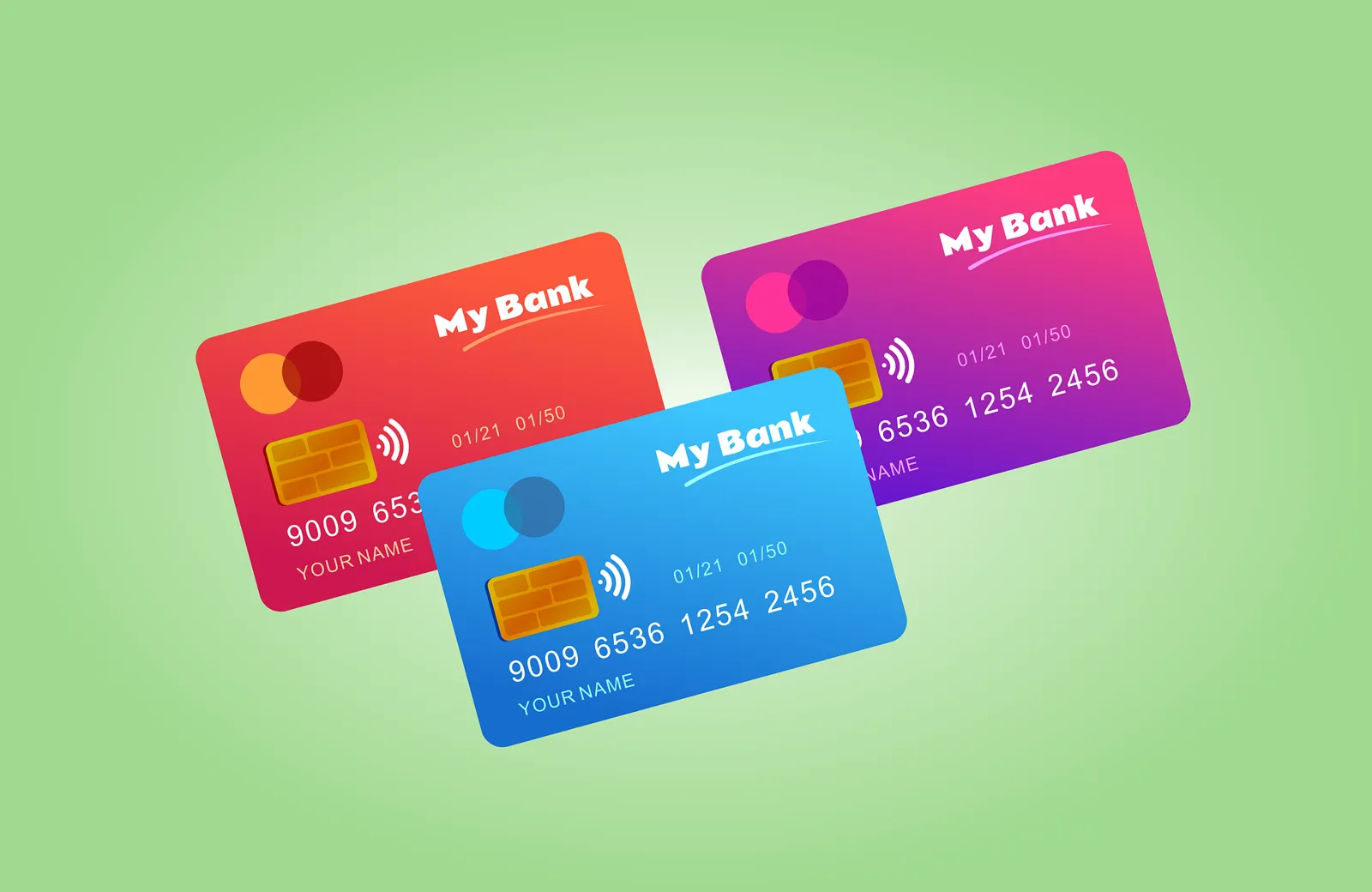
Trying to buy Bitcoin with a Green Dot card is one of the most common payment questions in the United States, simply because Green Dot cards hang on the checkout racks of almost every Walmart, CVS, Walgreens, Rite Aid, Kroger and 7-Eleven in the country. Unlike many prepaid brands that rent a bank charter from someone else, Green Dot Corporation owns its own issuing bank—Green Dot Bank, Member FDIC. That vertical integration makes Green Dot a powerhouse in retail banking, powering everything from classic Green Dot Prepaid Visa and Mastercard cards to GO2bank and the Walmart MoneyCard. When it comes to cryptocurrency, however, Green Dot’s risk controls and exchange-side prepaid bans collide. Here is what actually works, what gets declined, and how to move dollars into Bitcoin safely.
The short answer on Green Dot and Bitcoin
If you bought a temporary Green Dot card at a supermarket today and loaded cash at the register, you cannot use that temporary card to buy Bitcoin on any regulated exchange. Temporary cards have no cardholder name embossed on them, cannot complete 3-D Secure verification, and are blocked from quasi-cash and international online checkouts.
Once you register your identity online, pass Green Dot Bank’s KYC checks, and receive your personalized card in the mail with your legal name on the front, you have two possibilities: attempting a card purchase at one of the very few providers that allow prepaid cards (such as Simplex for Green Dot Visa cards, or Paybis with 3-D Secure), or using the ACH bank routing and account numbers that come with your verified Green Dot or GO2bank account. For a full breakdown of how exchanges treat prepaid plastic, read our main guide to buying crypto with a prepaid card.
Which Green Dot product do you actually hold?
Before troubleshooting a declined payment, identify which Green Dot Bank product is in your wallet. Green Dot operates several distinct accounts under its bank charter, and each behaves differently at a crypto checkout:
| Product | Card network & type | Has ACH routing/account #? | Crypto checkout behavior |
|---|---|---|---|
| Temporary retail rack card | Prepaid Visa or Mastercard (unregistered) | No until ID verified | Fails 100% of regulated crypto checkouts |
| Personalized Green Dot Prepaid | Reloadable Prepaid Visa or Mastercard | Yes, after ID verification | Blocked by Coinbase/Ramp; Visa may pass Simplex if Green Dot approves 3DS |
| Green Dot Cash Back / Unlimited | Prepaid / bank account Visa Debit | Yes | Carries Green Dot Bank BIN; ACH transfer works better than card swipe |
| GO2bank Debit Card | Visa Debit (mobile bank account) | Yes | Issued by Green Dot Bank; works via ACH and at select debit checkouts |
| Walmart MoneyCard | Prepaid / Demand Deposit Visa or MC | Yes, after ID verification | Issued by Green Dot Bank; subject to identical quasi-cash rules |
Notice the common thread: every single one of these cards is issued by Green Dot Bank (which also operates under the trade names Bonneville Bank and GO2bank). Because they share Green Dot Bank’s compliance infrastructure, a merchant-category block applied by Green Dot Bank hits the entire family.
How crypto exchanges treat Green Dot cards
A payment requires two yeses: the exchange must accept Green Dot’s BIN, and Green Dot Bank must approve the exchange’s charge. On the exchange side, most platforms say no to prepaid BINs right out of the gate.
Coinbase states that it does not support prepaid, reloadable or secured cards. Wallet on-ramps such as Ramp Network, Banxa and Mercuryo publish the same restriction. Even if your personalized Green Dot card says “Debit” on the front, its BIN is categorized in the Visa and Mastercard directories as a prepaid reloadable program, which triggers an automatic rejection on those platforms.
Where do you have a chance? Simplex states that it accepts prepaid cards, with an important US rule: US customers can only use Visa cards (personal debit, business debit and prepaid), while Mastercard is not supported in the US. If your personalized Green Dot card is a Visa, Simplex will submit the transaction; if it is a Green Dot Everyday Mastercard, Simplex will reject it. Paybis accepts prepaid cards conditionally if they support 3-D Secure and the cardholder name matches your verified ID. Meanwhile, CEX.IO’s Green Dot guide and its prepaid card support article explain that while linking a card or funding via bank transfer is possible, most prepaid card swipes fail due to issuer restrictions, making a personal debit card, Apple Pay, Google Pay or ACH bank transfer the practical choice.
Holding a Green Dot Prepaid Visa gives you a shot at Simplex-powered checkouts in the US, whereas a Green Dot Prepaid Mastercard is blocked by Simplex’s US network rule.
Why Green Dot Bank blocks so many crypto transactions
Suppose you use an exchange that allows your card. Why does the screen still flash “Declined by issuer” a few seconds later? Four technical checks happen inside Green Dot Bank’s authorization system:
- CardholderSubmits personalized card
- MCC 6051Exchange flags quasi-cash
- Acquirer checkUS vs non-US merchant ID
- 3-D Secure + AVSZIP code & OTP challenge
- Green Dot riskApproves or blocks
1. MCC 6051 and quasi-cash restrictions
Under the Visa Merchant Data Standards Manual, cryptocurrency platforms must classify purchases under Merchant Category Code 6051 or 6012 with a quasi-cash transaction indicator. Green Dot Bank monitors quasi-cash transactions closely to comply with FinCEN prepaid access rules and prevent fraud. Many Green Dot prepaid card tiers block MCC 6051 automatically.
2. Foreign acquirer blocks
Many global crypto exchanges and wallet widgets process card payments through acquiring banks in the United Kingdom, Lithuania, Ireland or Cyprus. Starter or non-upgraded Green Dot cards are restricted to domestic US merchants only, and even personalized cards often trigger a fraud lock when their very first online transaction is a cross-border crypto charge.
3. Address Verification Service (AVS) mismatches
US crypto platforms verify your billing street address and 5-digit ZIP code against what Green Dot Bank has on file. If you recently moved or never updated your residential address in the Green Dot or GO2bank mobile app, AVS fails immediately.
4. Velocity and card-lock triggers
Green Dot is known among US cardholders for strict automated fraud locks. Trying to push three declined crypto transactions through in ten minutes will not only fail—it can trigger a security hold on your entire Green Dot account until you verify your identity with customer support.
Step by step: two ways to use Green Dot for Bitcoin
If your money is already sitting on a verified Green Dot or GO2bank account, follow these steps to avoid locking your card and get your purchase through.
- 01Confirm you have the personalized card in hand
Check that your full legal name is printed on the front of the Green Dot or GO2bank card and that your residential address is current in the app.
- 02Try Apple Pay / Google Pay or a 3DS checkout once
If your Green Dot card is linked to Apple Pay or Google Pay, or you are paying at a US Visa-compatible checkout, try a modest amount ($20–$50) with VPNs turned off.
- 03Do not retry a declined card swipe
If Green Dot Bank declines the card charge under MCC 6051, stop immediately. A second or third attempt risks a security freeze on your card.
- 04Switch to your Green Dot / GO2bank ACH numbers
Open the Green Dot or GO2bank app, go to Direct Deposit / Account Numbers, and copy your routing and account numbers.
- 05Fund your verified exchange account via ACH
Link your bank account details via ACH on a licensed US exchange, let the transfer clear, and buy Bitcoin from your USD balance.
A critical warning on Green Dot MoneyPak and cash reload scams
Green Dot also operates the MoneyPak cash reload product sold alongside prepaid cards at retail stores. Every month, people search for ways to “buy Bitcoin with Green Dot MoneyPak”. Here is the rule that will save your money: no legitimate cryptocurrency exchange accepts MoneyPak PIN codes.
If you have cash in hand and want to use the Green Dot Network at Walmart, CVS or Walgreens, load the cash directly onto your own personalized card at the register using swipe reload or barcode reload in the mobile app, then use ACH or your own verified account from there.
The hidden fee stack of buying crypto via Green Dot
Retail prepaid cards are expensive when you load cash in small increments. Before using Green Dot to buy Bitcoin, compare the retail fees with a free digital bank account:
| Fee item | Green Dot / Retail cost | GO2bank cost | Chime / Varo cost |
|---|---|---|---|
| Retail cash reload | Up to $5.95 per load at register | Up to $4.95 at retail | $0 at Walgreens (Chime) / CVS (Varo) |
| Monthly maintenance fee | $7.95–$9.95 (waived on some plans with qualifying spend/deposit) | $5.00 (waived with eligible direct deposit) | $0 monthly fee |
| Foreign transaction fee | 3.0% of transaction amount | 3.0% of transaction amount | 0% foreign transaction fee |
| Out-of-network ATM withdrawal | $3.00 + operator surcharge | $3.00 + operator surcharge | $2.50–$3.50 (40k+ free Allpoint ATMs) |
Look at the retail cash reload row and the 3% foreign transaction fee. If you load $100 in cash at a store for $5.95, and your crypto on-ramp processes the card payment outside the US (adding a 3% Green Dot foreign fee plus a 3.99% exchange card fee), you lose roughly $13 on a $100 purchase. You can test different fee combinations with our crypto card fees calculator.
Green Dot is everywhere in American retail, which is why so many first-time buyers reach for it. But paying up to $5.95 at a cash register just to watch the card get declined at a crypto checkout is a terrible user experience. If you already get your paycheck on Green Dot or GO2bank, use the ACH routing numbers. If you are loading cash at a store specifically to buy Bitcoin, open a free Chime or Varo Bank account instead—Chime lets you deposit cash for free at Walgreens, Varo lets you deposit for free at CVS, and both give you a true bank debit Visa card.
Better ways to buy and spend Bitcoin for US residents
When you pair a personal bank debit card or ACH transfer with a regulated US exchange, the friction disappears. For example, CEX.IO has operated since 2013, is registered with FinCEN as a Money Services Business (NMLS 1804170), and holds Money Transmitter Licenses across roughly 39 US jurisdictions (excluding New York and California). On CEX.IO, verified US customers can fund purchases with personal Visa or Mastercard debit and credit cards, Apple Pay, Google Pay, PayPal (in the US for Instant Buy) or domestic ACH bank transfers. According to CEX.IO’s own payment data, personal debit cards see 25% fewer declines than other card types.
- Never use an unregistered store-rack Green Dot card or MoneyPak PIN for crypto
- Verify your identity first and ensure your card’s billing address matches your exchange account
- Prefer a personal Visa or Mastercard bank debit card, Apple Pay, Google Pay or ACH transfer
- Check that the exchange holds a license in your US state before depositing funds
- Once you hold crypto, move it to your own wallet or a dedicated crypto debit card for everyday spending
If your goal is the reverse—holding Bitcoin or USDC and spending it at shops with a Visa or Mastercard—skip retail prepaid cards and compare native crypto cards in our USA crypto cards guide, including our hands-on reviews of the Coinbase Card, the Crypto.com Prepaid Visa and the Uphold Debit Card. Also see our sibling guide to buying Bitcoin with a Netspend card.
Frequently asked questions
Can you buy Bitcoin with a Green Dot card?
Does GO2bank work better than a classic Green Dot prepaid card for crypto?
Can I use a Green Dot MoneyPak to buy Bitcoin?
Why did my Green Dot card fail on Coinbase?
What is the best alternative if Green Dot blocks my Bitcoin purchase?
Sources and official pages
- Green Dot — Official Prepaid & Debit Cards
- CEX.IO — Buy Bitcoin with Green Dot Card Guide
- CEX.IO Support — Can I use a prepaid card?
- Coinbase Help — Add a payment method troubleshooting
- Simplex — Which cards does Simplex accept?
- Paybis Help — Credit/debit card policies
- Visa Merchant Data Standards Manual (April 2026)
Want your Bitcoin purchase to clear first time?
Use a personal bank debit card, Apple Pay, Google Pay or an ACH transfer on a licensed US exchange.
Buy BitcoinCheck availability in your country before signing up.The exchange linked here holds US state licences but not in every state (New York and California are not on its list). Supported states are shown at sign-up.
