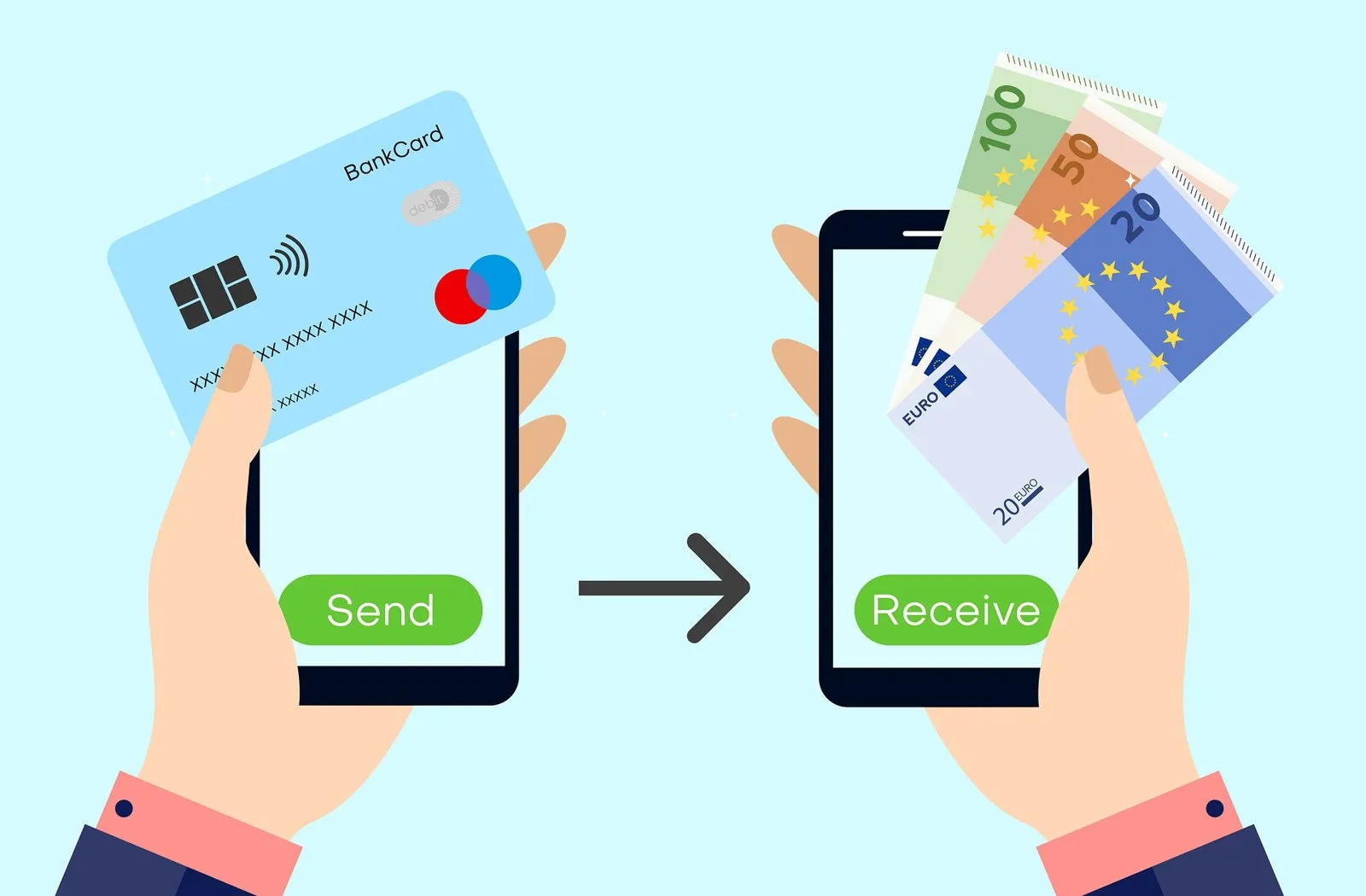
Demand for buying XRP with alternative payment methods—from PayPal and Apple Pay to reloadable prepaid cards—has stayed consistently strong because the XRP Ledger (XRPL) does what payment networks are supposed to do: it settles transactions in three to five seconds for less than a hundredth of a cent. That makes XRP a favorite bridge asset for moving value between exchanges, wallets and cards like the Uphold Debit Card. However, trying to buy XRP with a prepaid card means navigating strict Bank Identification Number (BIN) rules at exchanges and Merchant Category Code (MCC) 6051 blocks at your card issuer. This guide shows which platforms accept prepaid Visa and Mastercard cards for XRP, what two XRPL rules you must know before withdrawing your coins, and how to pay with zero card-decline headaches.
The short answer on buying XRP with a prepaid card
You can buy XRP with a prepaid card only if you hold a personalized, reloadable prepaid card in your legal name with 3-D Secure active, and you use one of the few processors that allow prepaid BINs:
- Simplex: Openly accepts prepaid cards (in the US, Visa only—Mastercard is not supported for US crypto purchases).
- Paybis: Accepts prepaid Visa and Mastercard conditionally when 3-D Secure is enabled and the name on the card matches your verified ID.
- Coinbase, Ramp, Banxa & Mercuryo: Reject prepaid and gift cards by policy.
- CEX.IO: States that while verifying a prepaid card is technically possible, most attempts fail, and recommends using a personal debit card, Apple Pay, Google Pay, PayPal (in the US for Instant Buy) or an ACH/SEPA bank transfer.
Single-load gift cards (such as Vanilla Visa gift cards) fail at all regulated XRP checkouts because they lack a registered owner name, block MCC 6051 quasi-cash, and cannot pass 3-D Secure. See our main guide to buying crypto with a prepaid card for the full industry rules.
Where can you buy XRP with a prepaid card (or bank alternative)?
| Platform | Prepaid card policy | Personal Debit / Apple & Google Pay | Other working methods for XRP |
|---|---|---|---|
| CEX.IO | Discouraged (most fail) | Supported (Visa/MC + Apple/Google Pay) | US ACH, US PayPal (Instant Buy), SEPA |
| Simplex | Accepted (US: Visa only) | Supported (no US Apple/Google Pay) | Embedded in Xaman & multi-coin wallets |
| Paybis | Conditional (with 3DS) | Supported | Paysafecard voucher supported in eligible countries |
| Coinbase / Kraken | Refused (or US debit only) | Supported (personal bank debit) | ACH (US) & SEPA (EU) |
| Ramp / Banxa / Mercuryo | Refused by policy | Supported | Local bank rails |
If you are in the United States and hold a verified reloadable prepaid card like Netspend, Green Dot, Walmart MoneyCard or Brink’s Prepaid Mastercard, remember that your Online Account Center gives you an FDIC-insured bank routing number and account number. Linking those numbers via domestic ACH on a licensed US exchange lets you deposit USD and buy XRP without touching the prepaid card rails.
Two XRP Ledger rules every buyer must know before withdrawing
Unlike Ethereum or Solana, the XRP Ledger has two protocol-level features that catch first-time card buyers by surprise when they move XRP off an exchange or into a wallet:
- Buy XRPOrder settles on exchange
- Self-custody wallet?No Destination Tag needed; 1 XRP base reserve locks
- Exchange / Card deposit?Destination Tag is MANDATORY
- 3–5 sec finalityArrives on XRPL for <$0.01
1. The Destination Tag (Memo) rule
As explained in the official XRPL documentation on Source and Destination Tags, centralized exchanges and custodial card providers use a single master `r...` address to receive XRP from thousands of customers, and identify whose account to credit using a numeric Destination Tag. If you are withdrawing XRP to your own self-custody wallet (such as Ledger, Xaman or Tangem), you do not need a Destination Tag (or you can enter `0` if an exchange form requires a number). If you are sending XRP to an exchange or custodial card balance, you must copy and paste the exact Destination Tag shown on your deposit screen.
2. The 1 XRP base reserve
To prevent spam accounts from bloating the ledger, the XRP Ledger enforces a base reserve (currently 1 XRP for the wallet address itself, plus 0.2 XRP for each trustline or object). When you fund a brand-new personal XRP address for the first time, 1 XRP is held by the protocol as your account reserve.
Instead of paying retail reload fees on a prepaid card that gets blocked under MCC 6051, US buyers can use a free Chime, Varo Bank, OnePay or Upgrade Visa/Mastercard debit card—or PayPal and ACH—to buy XRP on a licensed exchange.
Why prepaid cards get declined when buying XRP
Whether you buy Bitcoin, Ethereum or XRP, Visa and Mastercard require the merchant to code the payment under MCC 6051 (Quasi-Cash – Cryptocurrency). Prepaid card issuers like Green Dot Bank, Pathward and Republic Bank & Trust routinely block MCC 6051 to prevent cash-advance abuse and fraud. In addition, exchanges require 3-D Secure OTP verification and strict Address Verification Service (AVS) matching against your verified legal name and residential address.
Step by step: buying XRP with a prepaid card or debit rail
- 011. Verify your card is registered in your legal name with 3-D Secure
Only personalized reloadable cards have a chance at Simplex (US Visa only) or Paybis. Never use an unregistered store gift card.
- 022. Turn off VPNs and ad blockers at checkout
3-D Secure security frames frequently time out when a VPN masks your IP address.
- 033. Switch to ACH, Apple Pay, Google Pay or personal debit if declined
Do not retry a declined prepaid card swipe more than once. Use your account’s ACH routing numbers, Apple/Google Pay, or a personal bank debit card.
- 044. Double-check the Destination Tag before moving your XRP
When withdrawing XRP to a personal wallet, 1 XRP activates the address. When sending XRP to an exchange or card account, always include the Destination Tag.
How to spend XRP with a crypto card
Once you hold XRP, several cards we review on this site let you spend or convert your balance:
- Uphold Debit Card: Popular in the UK and eligible US states for letting cardholders spend directly from an XRP sub-account and earn XRP cashback rewards on eligible plans.
- Crypto.com Prepaid Visa & Coinbase Card: Allow you to convert XRP into fiat spending power or spend from your exchange balance in the US and supported regions.
- Buying gift cards with XRP: Platforms like Coinsbee and Cryptorefills allow you to spend XRP (or swap into supported assets) to purchase retail gift cards and prepaid vouchers.
XRP’s whole value proposition is fast, sub-cent settlement. Paying a $4.95 store load fee and a 5% processor fee on a prepaid card defeats the purpose of using a low-fee ledger. Pair a free US checking debit card (Chime, Varo, Upgrade) or an ACH/SEPA transfer with a regulated exchange, and let the XRP Ledger do the rest.
For a regulated exchange that lists XRP and supports personal Visa/Mastercard debit and credit cards, Apple Pay, Google Pay, PayPal (US Instant Buy) and bank transfers, CEX.IO has operated since 2013, is registered with FinCEN as an MSB (NMLS 1804170, licensed in ~39 US jurisdictions excluding NY and CA) and is registered with the UK FCA under the Money Laundering Regulations (FRN 1007192). Note that CEX.IO does not serve Canada or India, and EEA visitors currently see a MiCA service notice. See also our guide to buying Dogecoin with a prepaid card.
Frequently asked questions
Can you buy XRP with a prepaid card?
Is XRP legal and available to buy with a card in the United States?
What is a Destination Tag and why does it matter when buying XRP?
What is the XRP Ledger base reserve rule?
Which crypto card is most popular among XRP holders?
Sources and official pages
- XRP Ledger (XRPL.org) — Official Documentation
- XRP Ledger Docs — Source and Destination Tags
- XRP Ledger Docs — Base & Owner Reserves
- CEX.IO — Buy Ripple (XRP) Instantly
- CEX.IO Support — Can I use a prepaid card?
- Simplex — Which cards does Simplex accept?
- Paybis Help — Credit and debit card rules
Buy XRP in minutes without prepaid card declines.
Verify your account once and buy XRP with a personal debit card, Apple Pay, Google Pay or an ACH/SEPA bank transfer.
Buy XRPExchange running since 2013 · registered with FinCEN (US) and the FCA (UK) · card, Apple Pay or bank transfer
